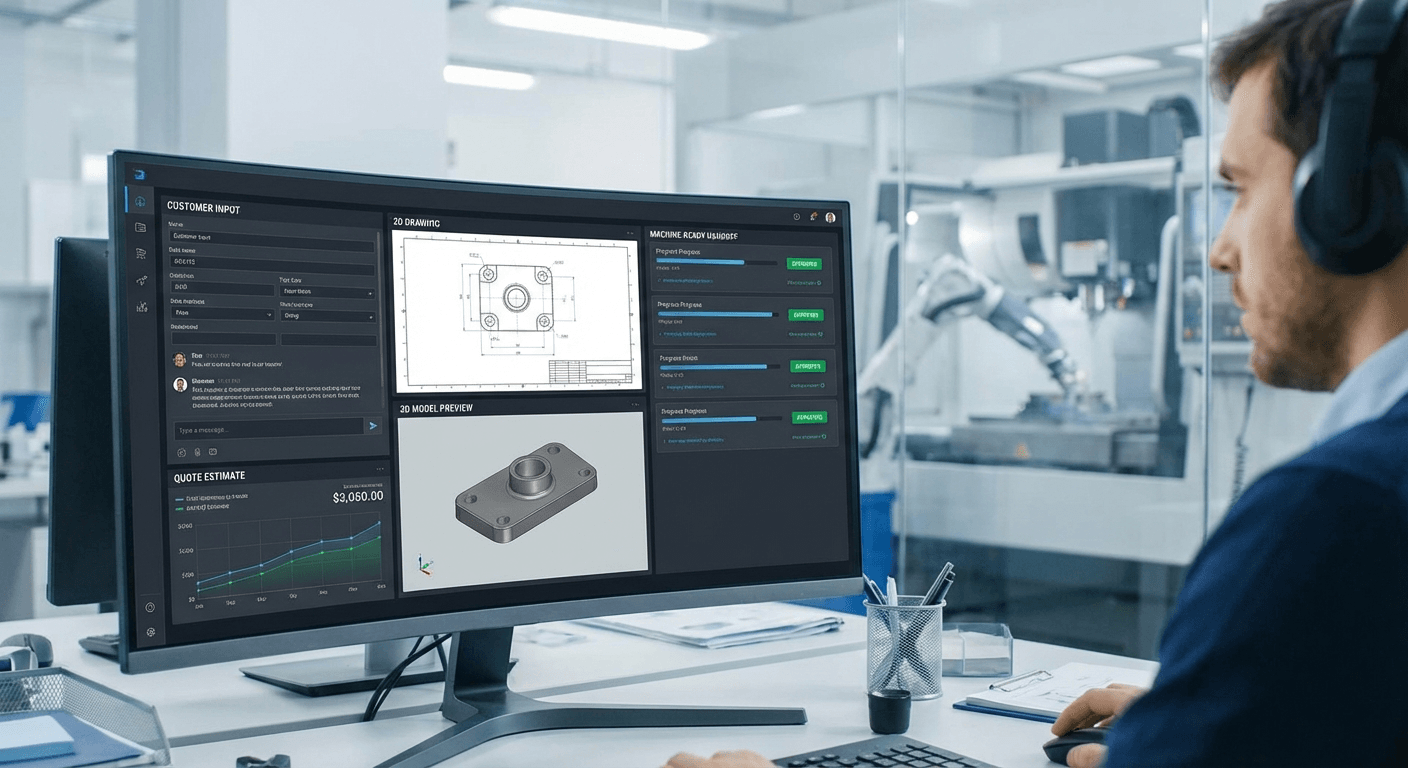
Rule-Based Design Automation

From customer input to machine-ready output, without manual CAD bottlenecks.

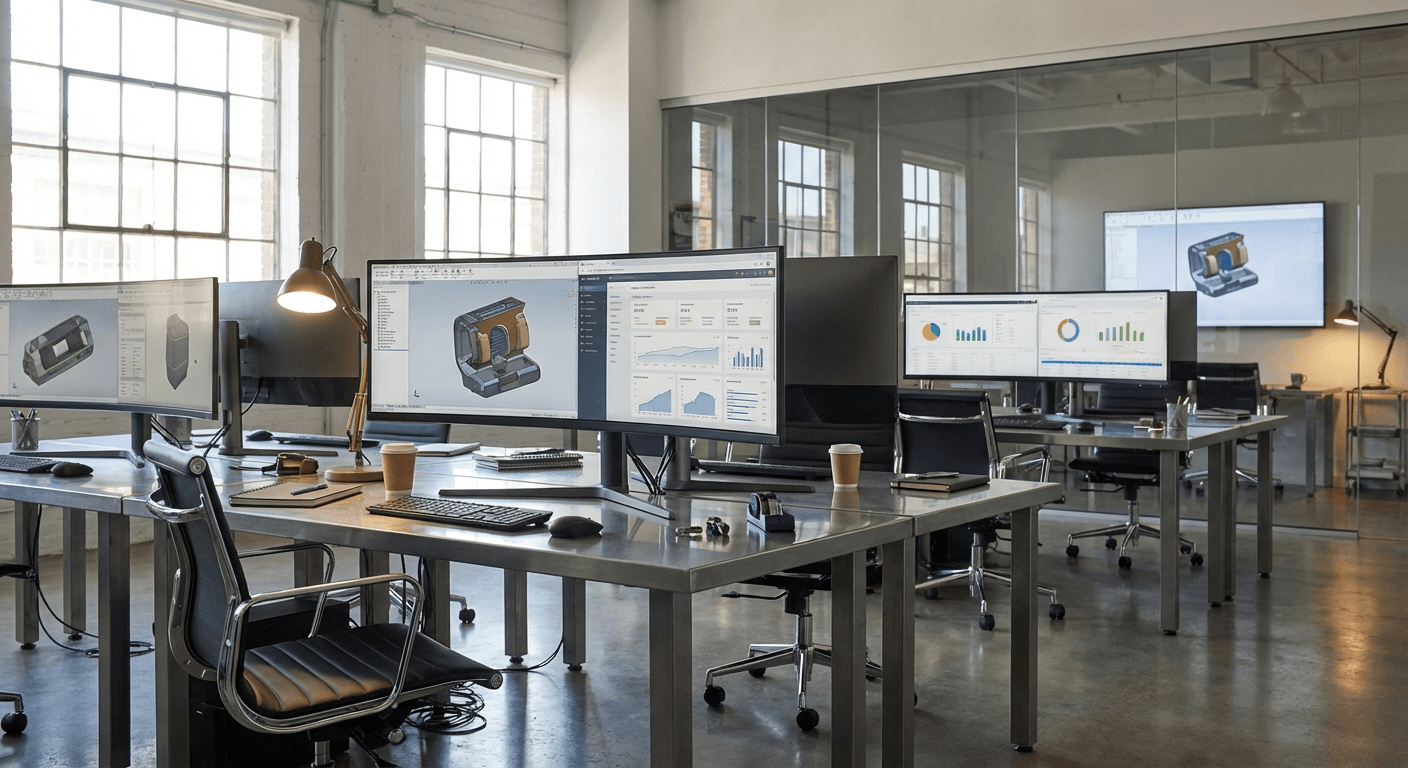
CAD automation command center generated with Gemini image model
Unified design automation signal: quote, CAD, validation, and production outputs in one lane.

Give sales a guided 3D configurator, remove manual CAD intervention, and generate accurate quotations, drawings, and production-ready outputs at manufacturing speed.

Core Benefits

Built to remove bottlenecks between customer requirement and manufacturing execution.

Sales Velocity

3D configurator for sales with instant quotation

Give sales teams a guided 3D configurator to build valid options and generate customer-ready quotes without waiting on manual CAD cycles.

x10 Faster

Benefit 1/3

Ops Throughput

Machine-ready drawing output

Generate manufacturing drawings and DXF data built for downstream QA and production workflows.

Single Flow

Benefit 2/3

Scale Ready

Less reliance on specialist CAD staff

Deploy rule logic once and let sales and operations teams generate outputs without daily CAD bottlenecks.

Rule Reuse

Benefit 3/3

Before

Manual CAD flow slows growth.

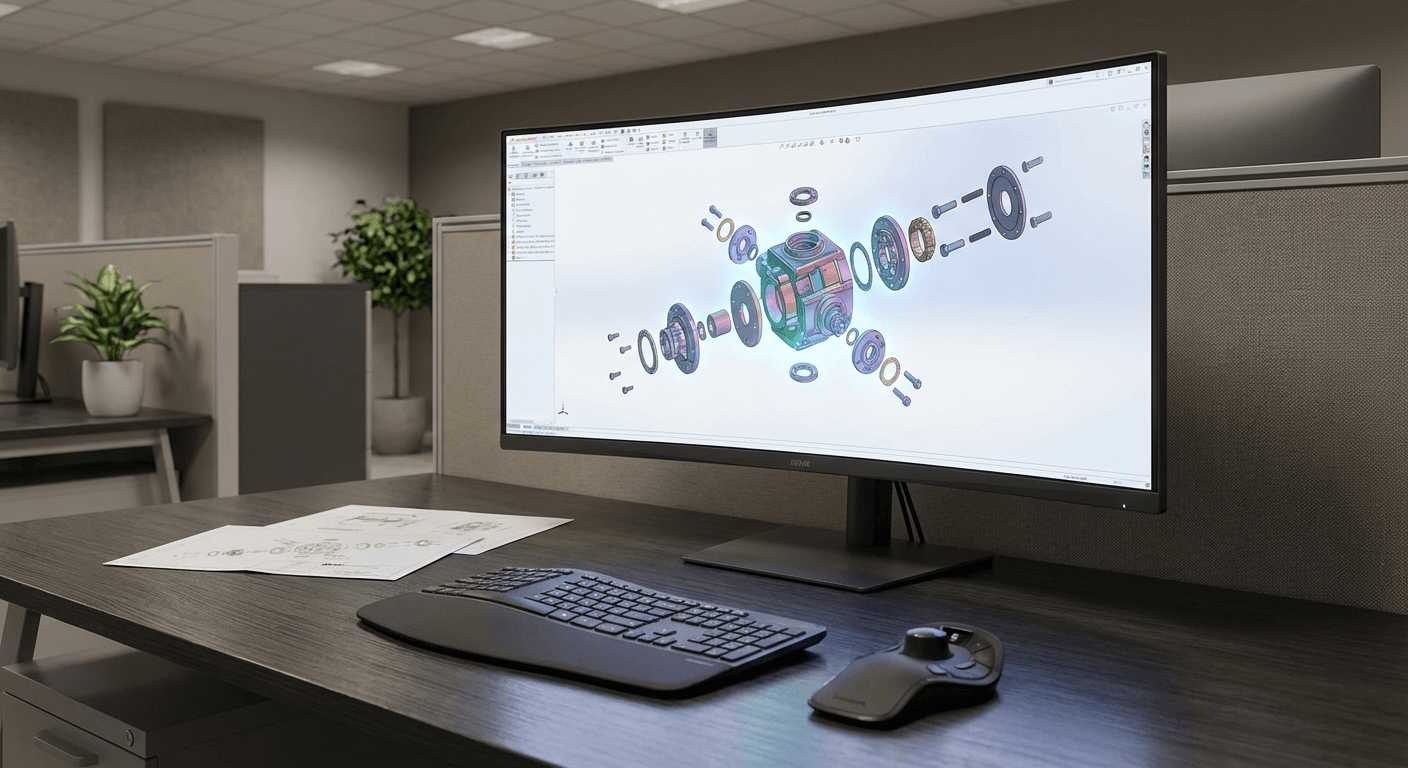
Generated 3D CAD visualization for configurable product workflows
  • Time-to-quote and time-to-production grows after each new requirement.
  • Scaling is constrained by manual drafting and specialist availability.
  • Software and manpower overhead keeps operating cost high.
  • Manual handoffs increase the risk of human error.

After

Lean, dependable automation flow.

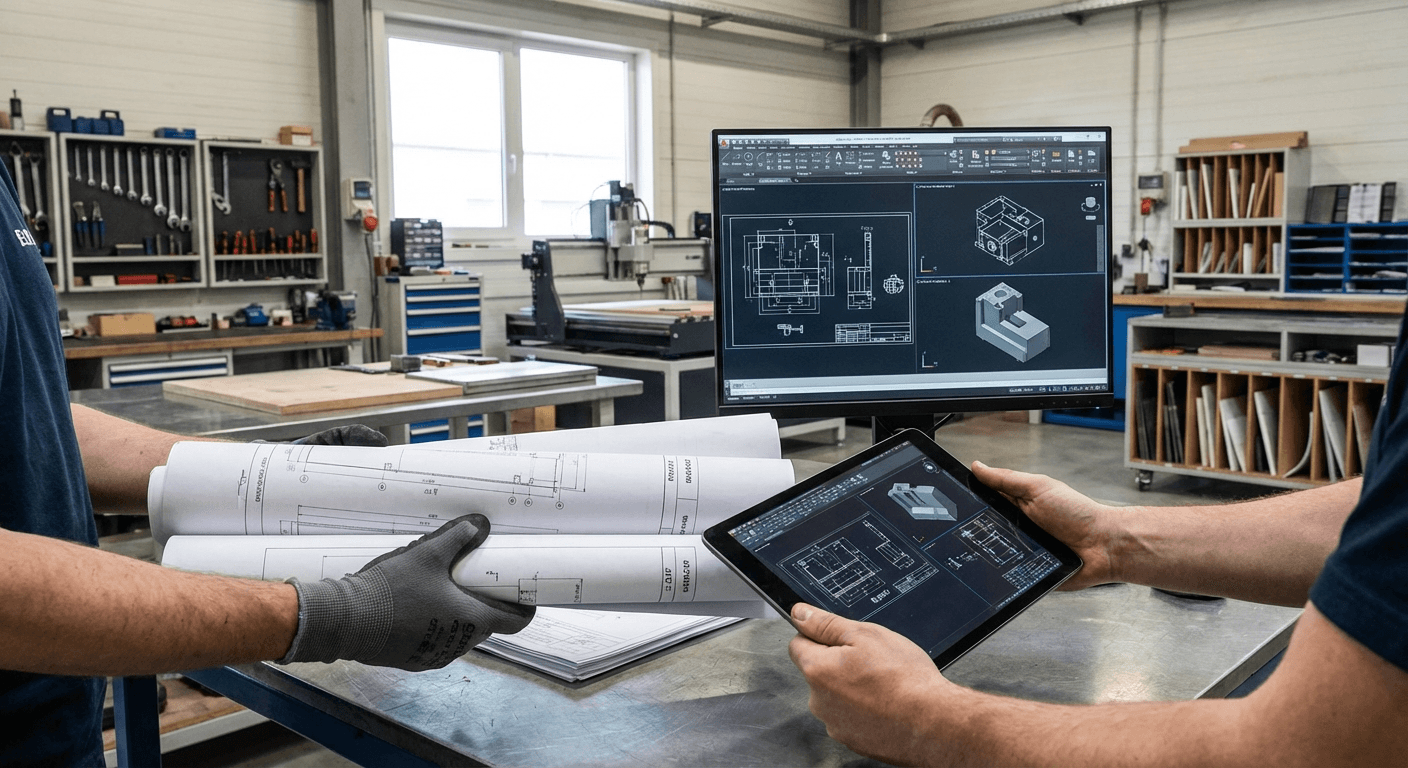
Generated manufacturing output scene with drawings and machine data
  • Instant quote, proposal, and manufacturing drawing generation.
  • Lean process flow that supports volume growth without process drag.
  • Usage-based economics aligned to business demand.
  • Reliable rule-based outputs with lower error risk.

Workflow

One connected workflow from client input to machine output.

A single automation lane from requirement capture to manufacturing-ready delivery.

Step 01

Collect Inputs

Capture requirements from web form, API, or dealer intake.

Inputs become standardized rule-ready parameters before automation starts.

Step 02

Apply Rules

Run product logic and constraints through CadEazy automation.

Rule sets enforce constraints and remove repetitive manual CAD edits.

Step 03

Generate Output

Produce quote, proposal, and visualization assets instantly.

Sales outputs and technical deliverables are generated from the same source logic.

Step 04

Deliver to MFG

Send machine-ready drawings and production data downstream.

Final outputs are ready for downstream manufacturing and handoff.

Outcome: faster quotes, consistent outputs, smoother handoff.

Comparison

Why CadEazy is the better operating layer for configurable design businesses.

Option 1
Traditional CAD setup with manual drafting load and fragmented workflows

Traditional CAD Setup

  • Steep learning curve for non-technical teams.
  • High upfront software cost and dependency on trained designers.
  • Automation is limited and usually script-heavy.
Option 2
Generic CAD add-ons with disconnected plugin workflow and multiple tools

Generic CAD Add-Ons

  • Partial automation with manual setup overhead.
  • Limited collaboration unless extra tooling is added.
  • Still requires CAD expertise to run safely at scale.
Option 3
CadEazy unified automation workspace from customer input to machine-ready output

CadEazy

  • Beginner-friendly workflows for sales and customer-facing teams.
  • Built-in 3D sales configurator for valid options and faster quoting.
  • Pay-per-use model aligned with demand and output volume.
  • Purpose-built automation layer for configurable design operations.

FAQ

Questions teams ask before they automate.

Clear implementation answers to reduce risk and accelerate decision making.

Is this only for CAD specialists?+

No. Sales and customer teams can trigger outputs, while CAD specialists define and maintain rule logic.

What do we need before implementation?+

We need your product rules, constraints, and output templates. We map these into the automation workflow during setup.

Can this fit our existing process?+

Yes. CadEazy sits between requirement capture and manufacturing handoff through API or form-based intake.

How does commercial pricing work?+

Pricing is usage-based per generated output, so you do not pay for idle licenses.

Demo

Ready to automate your CAD-to-manufacturing pipeline?

Share your use case and product logic. We will map your workflow and show how CadEazy can reduce turnaround time while keeping output quality consistent.

Before demo, share

  • Product variants and rule table
  • Required outputs: quote, drawing, DXF/CAM
  • Current bottlenecks and target turnaround
Demo request form