Sales Configurator
Quote it on the call.
A guided quote tool for your sales team, dealers and customers. They choose from the options you sell, see the product update, get the price from your own price list and send a customer-ready proposal. Shown here with a steel door.
Try it. Configure a steel door.
Example rules and a sample price book for a steel door. Your platform runs your own products and your own price list.
 Demo workspace/Steel doorSales configurator
Choices Steel door
In a sales meeting
Present, capture, configure, send.
The configurator is built for the conversation with your customer. Your sales team presents it, captures what the customer needs, and leaves with a proposal.
- 01
Present
Open the configurator with the customer on a laptop, a tablet or your website.
- 02
Capture
Answer guided questions in the customer’s words: size, capacity, options. Only combinations you make are offered.
- 03
Configure
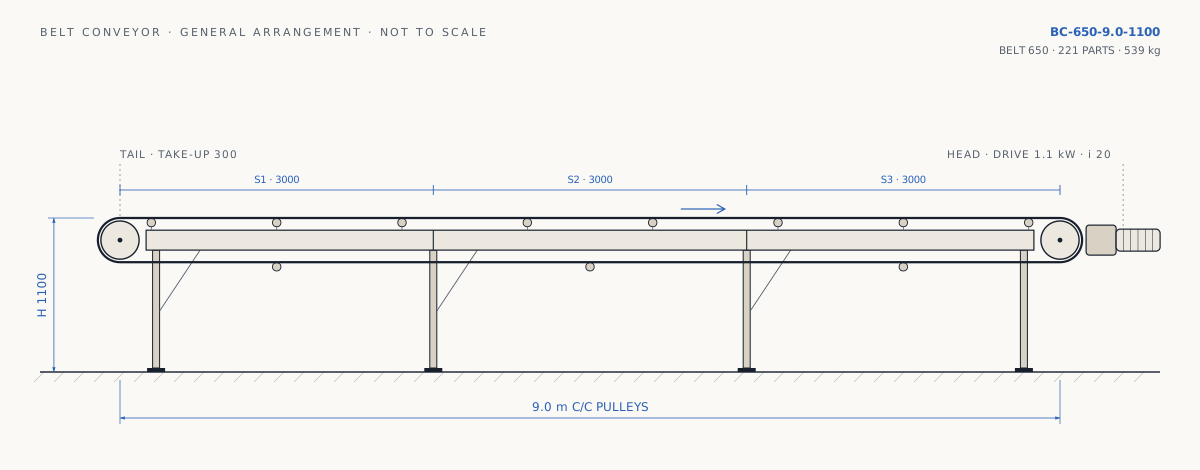
The product, the drawing and the price update with every answer. Special requests are flagged for engineering.
- 04
Send
A customer-ready proposal: cover, specification, drawing, price and terms, named for the customer and on your letterhead.
Where it runs
Wherever your customers are.
The same configurator and the same rules on your website, behind your dealer login, or on a tablet at the trade fair.
Your website
Dealer portal
Tablet
What sales gets
Every answer, before they ask.
Built on your engineering rules, so every quote is a product you make.
Only your options
The options and combinations you offer, in the order you decide. Rules decide, not memory.
Live preview
The customer sees exactly what they configured, the moment they change it.
Specification and price
A bill of materials and a price from your own price rules, instantly.
Proposal documents
A customer-ready proposal with specification, drawing and price, as a PDF or a link.
Straight to design
A won quote hands its values to the Design Configurator. No retyping.
Your brand
Runs as its own page, embedded in your site, or behind your dealer login.
Questions